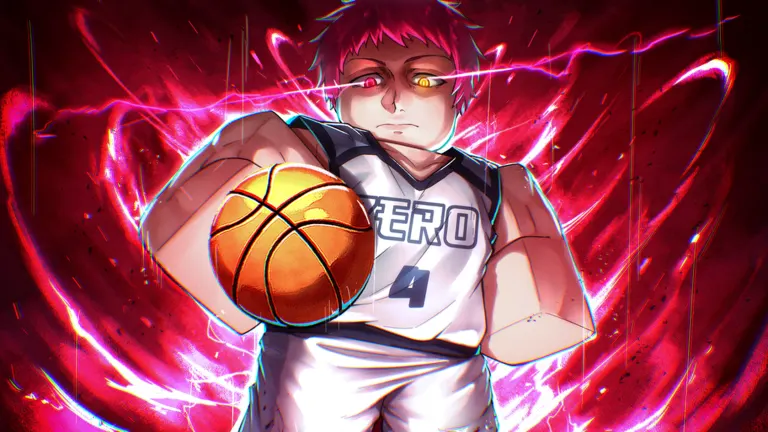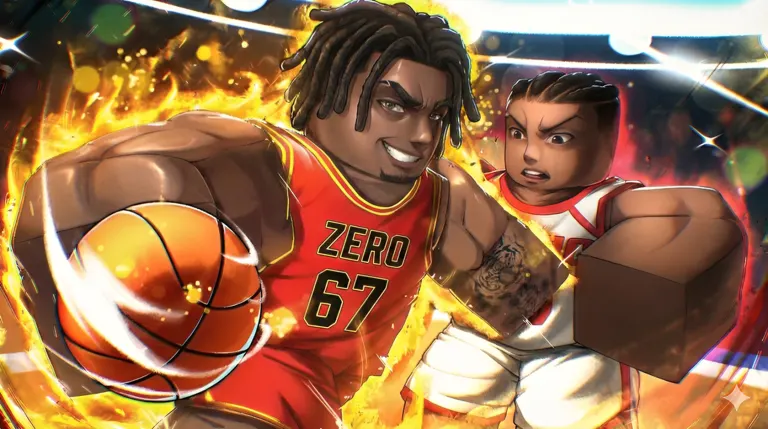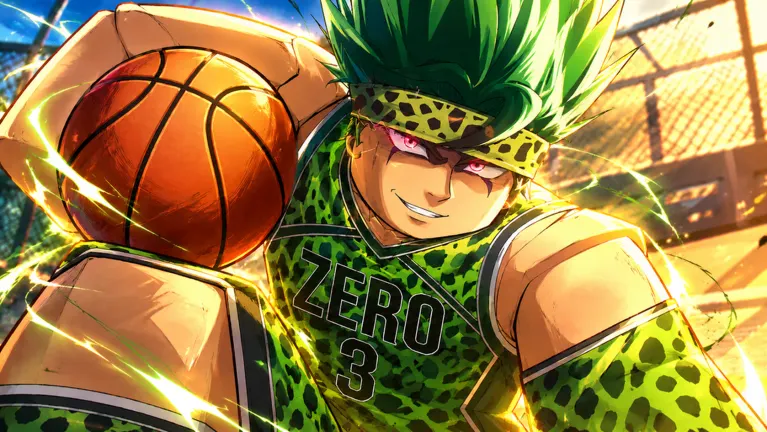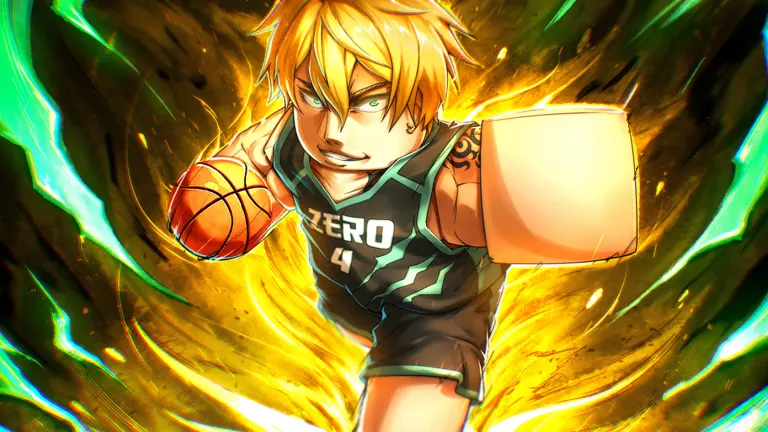
Why ID Codes Matter in Basketball Zero
Basketball Zero ID codes can give you extra chances to unlock the Styles and Zones that shape how your player performs on the court. They are especially useful if you want to try new builds without relying entirely on Robux or slowly earned rewards.
Players often use “ID codes” to mean two different things: promotional redemption codes and Roblox audio IDs for custom sounds. Promo codes provide in-game rewards such as Lucky Spins, cash, boosts, or seasonal currency. Sound IDs are numeric Roblox asset identifiers used for celebratory effects after actions such as scoring, blocking, or breaking an opponent’s ankles.
The most valuable promo rewards are Lucky Style Spins and Lucky Zone Spins. Styles influence a character’s basketball approach and abilities, while Zones affect the special court-control options available during matches. Since both are obtained through chance-based rolls, free spins can make it easier to experiment before settling on a favorite loadout.
Redeem Codes and Known Rewards
Basketball Zero codes are limited-time promotions. Developers commonly release them around major updates, game milestones, special events, or Black Market-related announcements. A code can disappear quickly, so enter a valid one as soon as you find it.
Different code lists may show different active promotions because the game rotates codes frequently. The following table covers recently reported codes and their listed rewards. Availability can change at any time, including after a server update.
| Code | Listed reward | Requirement or note |
|---|---|---|
JOJORETURN | 15 Lucky Style Spins, 15 Lucky Zone Spins, 50,000 Money | Released with a JoJo-themed event promotion |
15JOJORETURN | 10 Lucky Style Spins, 10 Lucky Zone Spins, 100,000 Money | Requires 15 minutes of playtime |
CHROLLOBDAY | 10 Lucky Spins and 100,000 Money | Limited promotional code |
KIRA | 5 Lucky Spins and 10,000 Money | Limited promotional code |
15KIRA | 7 Lucky Spins and 50,000 Money | Limited promotional code |
CHROLLORETURN | 25 Lucky Spins and 50,000 Cash | Event/update code |
30CHROLLORETURN | 20 Lucky Spins and 150,000 Cash | Extended-play or special event code |
Treat the list as a starting point rather than a permanent catalog. A code may have expired, may be replaced by a newer event code, or may be limited to players who meet a playtime condition.
Code entry is not case-sensitive, but copying the exact spelling is still the safest approach. Numbers and repeated names are easy to mistype, especially when a code uses a milestone prefix such as 15 or 30.
Some rewards are listed simply as “Lucky Spins,” while others separate Style and Zone Spins. Check the reward message after claiming a code so you know which inventory category received the spins.
How to Redeem Basketball Zero Codes
You can redeem promo codes from the main lobby. Before attempting redemption, complete the game’s community requirements. The game generally requires players to like the Roblox experience and join the Current. Roblox community.
| Step | What to do | Why it matters |
|---|---|---|
| 1 | Open the Basketball Zero page on Roblox and like the experience. | The redemption system checks for this account requirement. |
| 2 | Join the Current. Roblox community. | Codes may be blocked until group membership is detected. |
| 3 | Launch Basketball Zero and wait for the main lobby to load. | The Codes menu is available from the lobby interface. |
| 4 | Select the purple Codes gift button in the bottom menu. | This opens the code-entry field. |
| 5 | Enter one code and choose Redeem. | Successful claims add the listed rewards to your account. |
| 6 | Rejoin a server if you just joined the community. | A new session can refresh the membership check. |
There is no general minimum level requirement for code redemption. That makes codes useful for new players who want more options before playing many matches.
Time-gated codes are different. If a code includes a playtime requirement, stay in the same active session until the condition is fulfilled. Leaving the experience or switching servers may interrupt the tracked session time for that promotion.
After redeeming a code, visit the relevant Style or Zone menu to spend your new spins. It is worth checking what you currently have before rolling, particularly if you are saving spins for a future update or a specific build.
Sound IDs, Custom Effects, and Safe Use
Sound IDs are separate from promotional redeem codes. They are numeric Roblox audio asset IDs that may be used for custom sound effects if Basketball Zero’s current settings and features allow it. Players often look for them to add personality to a big score, block, or ankle-break moment.
One community-shared example is the numeric ID 8731266052. Community lists can be useful for ideas, but an ID working in another Roblox experience does not guarantee it will play in Basketball Zero. Audio assets can be removed, made private, moderated, or restricted by Roblox and game-specific settings.
| ID type | Typical purpose | What to expect |
|---|---|---|
| Promotional code | Claims spins, cash, boosts, or event currency | Usually entered through the lobby Codes menu |
| Lucky Spin reward | Rolls for Styles or Zones | Changes cosmetic or gameplay-related options depending on the game system |
| Roblox sound ID | Selects a custom audio asset | May require an in-game sound feature and a valid public asset |
| Event code | Rewards players during updates or milestones | Often expires when the event ends |
Use sound IDs responsibly. Avoid loud, offensive, copyrighted, or disruptive audio, especially in public matches. If an ID is rejected, it may be unavailable rather than incorrectly entered.
For the newest official sound options, look for in-game announcements and current community channels. Do not spend currency on a custom-sound feature until you have confirmed the sound you want is currently supported.
Fixing Codes That Do Not Work
A failed redemption does not always mean the code is invalid. Check the basics before assuming a promotion has expired.
- Confirm that you liked Basketball Zero on Roblox.
- Confirm that you joined the Current. Roblox community with the same account.
- Leave and rejoin if you completed either requirement while already in-game.
- Remove spaces before and after the code.
- Verify that you have not already redeemed it on that Roblox account.
- Stay in-game long enough for a playtime-gated code.
- Try a fresh server in case the current server has not updated.
- Assume a code has expired if all requirements are met and it still fails.
Most codes are single-use per account. Entering the same one again will not provide duplicate rewards, even if the code is still active for other players.
Expiration timing varies. Major update codes may end when the next update launches, while short event promotions can last only a day or even a few minutes. This is why waiting to redeem a promising code is rarely worthwhile.
Be cautious with third-party “generator” sites or tools claiming to create unlimited spins, Robux, or private codes. Legitimate Basketball Zero rewards are entered through the in-game redemption interface. Never share your Roblox password, account cookies, or verification codes to claim a reward.
FAQ: Basketball Zero ID Codes
What are Basketball Zero ID codes?
Basketball Zero ID codes can refer to promotional codes that grant in-game rewards or numeric Roblox sound IDs for custom effects. Promotional codes are entered in the lobby Codes menu, while sound IDs only work where the game supports custom audio.
Do I need to be a certain level to redeem codes?
No general level requirement is needed. You do need to like the Roblox experience and join the Current. Roblox community before redeeming most codes.
Why does a code say I need more playtime?
Some event codes require you to remain in Basketball Zero for a set period, such as 15 minutes. Play in the same session until the requirement is met, then try the code again.
Are codes case-sensitive?
No. Uppercase and lowercase letters should work the same way, but exact spelling and numbers still matter.
Can I redeem a code more than once?
No. Each promotional code is normally limited to one redemption per Roblox account.
Why did a sound ID not play?
The asset may be private, moderated, removed, unsupported by the game, or blocked by the current custom-sound system. Try another available public audio ID or confirm that the relevant feature is enabled.